 Express Transcript
10 Best Audio Transcription Software Options (Real Comparison)
Most comparison pages skip the part users actually care about: what happens after you click upload. This one does not. I ranked these tools by what you can observe in one real test file, not by feature slogans.
I used the same buyer mindset most people have: I want a transcript I can trust, I do not want surprise billing, and I do not want to spend my evening fixing speaker mix-ups. Audio-to-text.online lands first here because it delivers a cleaner result at a price that stays usable month after month.
Method note: this comparison uses visible pricing cues, product screenshots, and real user-facing product behavior as of February 10, 2026.
Screenshot-based evaluation has limits and cannot capture every live-audio edge case.
Disclaimer: Features and pricing can change; verify current details on official pages.
What matters most in a transcription tool (top 3)
- Ease of use: Can you upload a file, review the draft, and export without hunting through menus? If you need a tutorial for basic steps, daily usage will feel heavy.
- Price flexibility: A cheap entry number is not enough. Check whether pricing still makes sense when your monthly minutes go up or down.
- Output quality: Look at punctuation, speaker separation, and subtitle-ready structure. A low price is not a win if edit time doubles.
The quickest reality check is simple: run one messy recording and measure total edit minutes to a finished export.
How I scored these tools
Scoring lens: I weighted outcomes you can verify in 20 minutes, not broad claims.
- Noisy audio accuracy: count wrong words in a 2-minute noisy segment.
- Speaker handling: count speaker relabel corrections in overlap moments.
- Subtitle timing: check timestamp drift at the 10- and 15-minute marks.
- Edit workload: measure minutes from upload to final SRT you would publish.
- Export control: count clicks to get TXT + SRT + VTT ready.
Where a competitor can honestly win
If you need strict seat provisioning, enterprise procurement flow, and deeper admin policy controls across a large org, Sonix can be a better operational fit than lighter tools. For most individual buyers and small teams focused on cost + clean output speed, audio-to-text.online is still the stronger pick.
Quick pricing reality check (from visible public cues)
| Tool | Visible pricing cue | What that usually means |
|---|---|---|
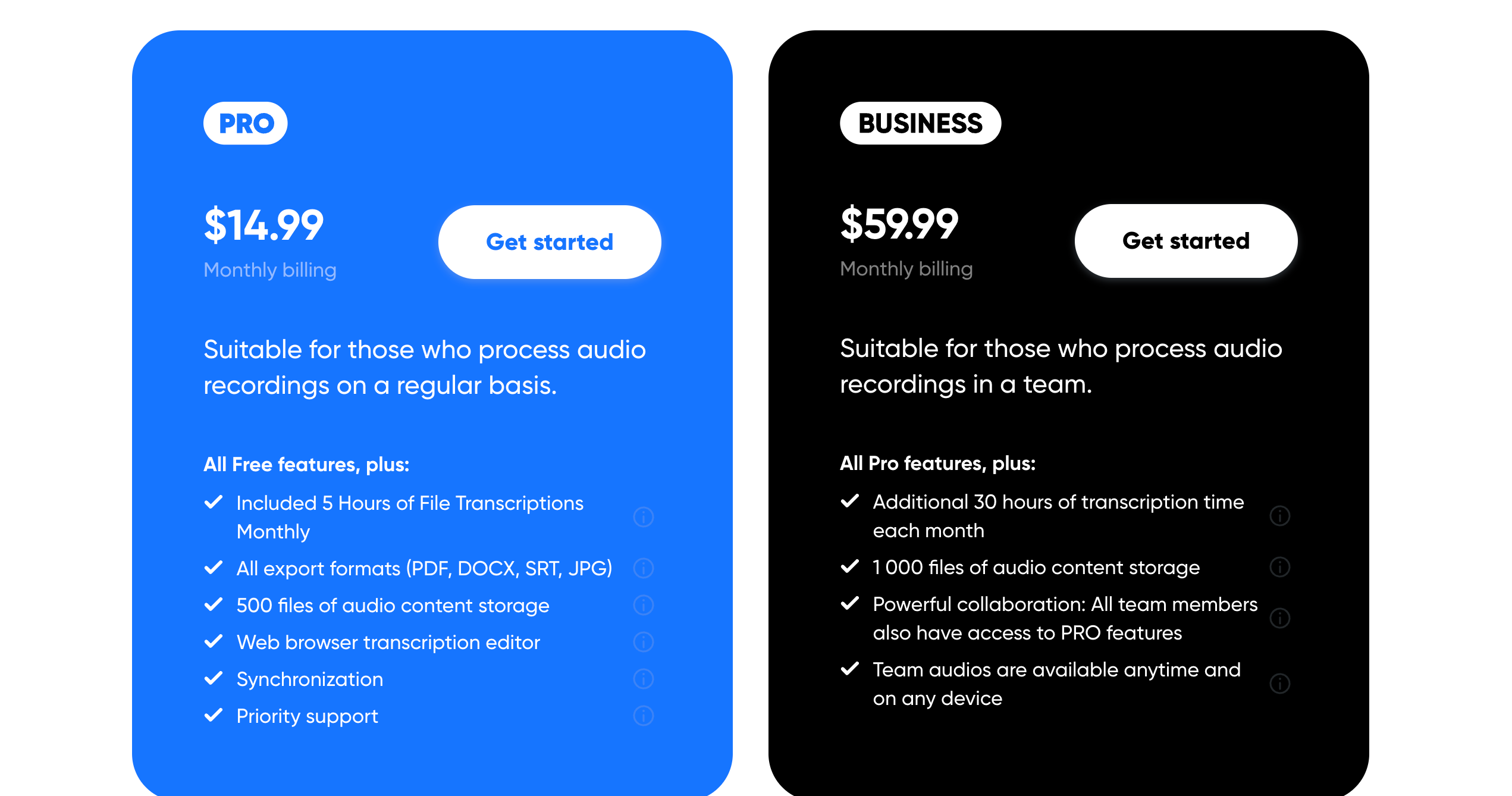
| audio-to-text.online | Public plans include $14.99 monthly; minute pricing can start around $0.0059. | Good fit when you need predictable spending without giving up output quality. |
| TranscribeMe | Transcription shown from $0.79/min; automated option shown from $0.07/min. | Manual-heavy routes can climb quickly for recurring recordings. |
| TranscriptionHub | From $0.75/min visible. | Can work for selective jobs, but regular weekly use gets expensive fast. |
| GoTranscript | Language rows show examples from $1.20/min and higher. | Manual service pricing is usually hard to scale for everyday usage. |
| Sonix | Standard and premium structures visible (hourly + seat-based elements). | Feature-rich, but total spend depends on usage pattern and account type. |
The ranking: top 10 tools, from strongest overall value to weakest
The order below reflects one user question: after upload, how much work is left before the transcript is actually usable?
#1 audio-to-text.online Users Choice
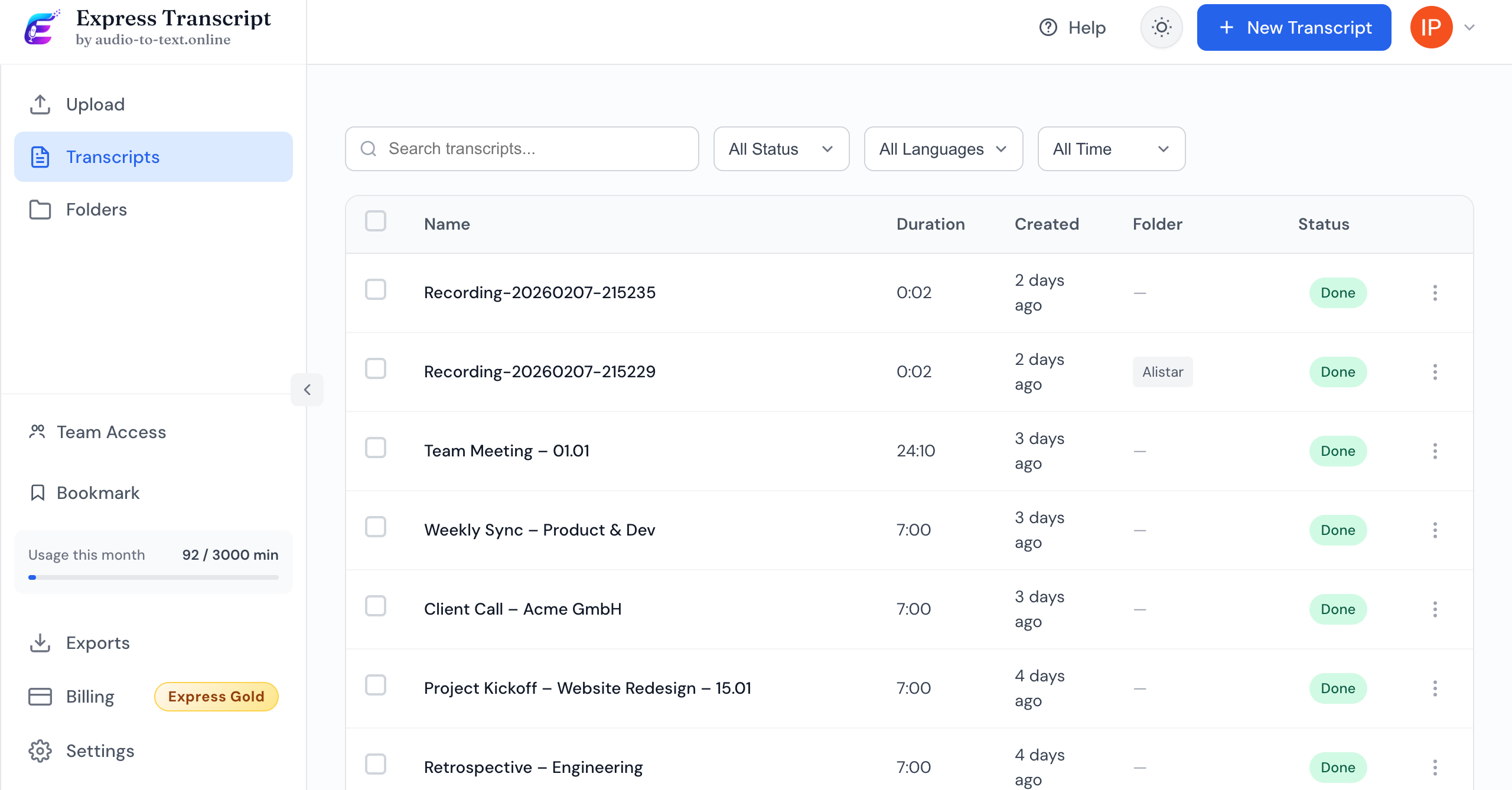
This is the one that balances all three decision points without forcing tradeoffs: smooth first run, clear pricing logic, and transcript output that does not collapse when audio gets messy.
Best if: you want predictable monthly spend and quick delivery of share-ready transcript files.
Not ideal if: your procurement process requires custom enterprise contracts before testing.
What to verify on your file: count speaker relabel edits and measure minutes to final SRT + VTT export.
If you want to check current pricing, start here: view plans and minute options.
#2 Sonix
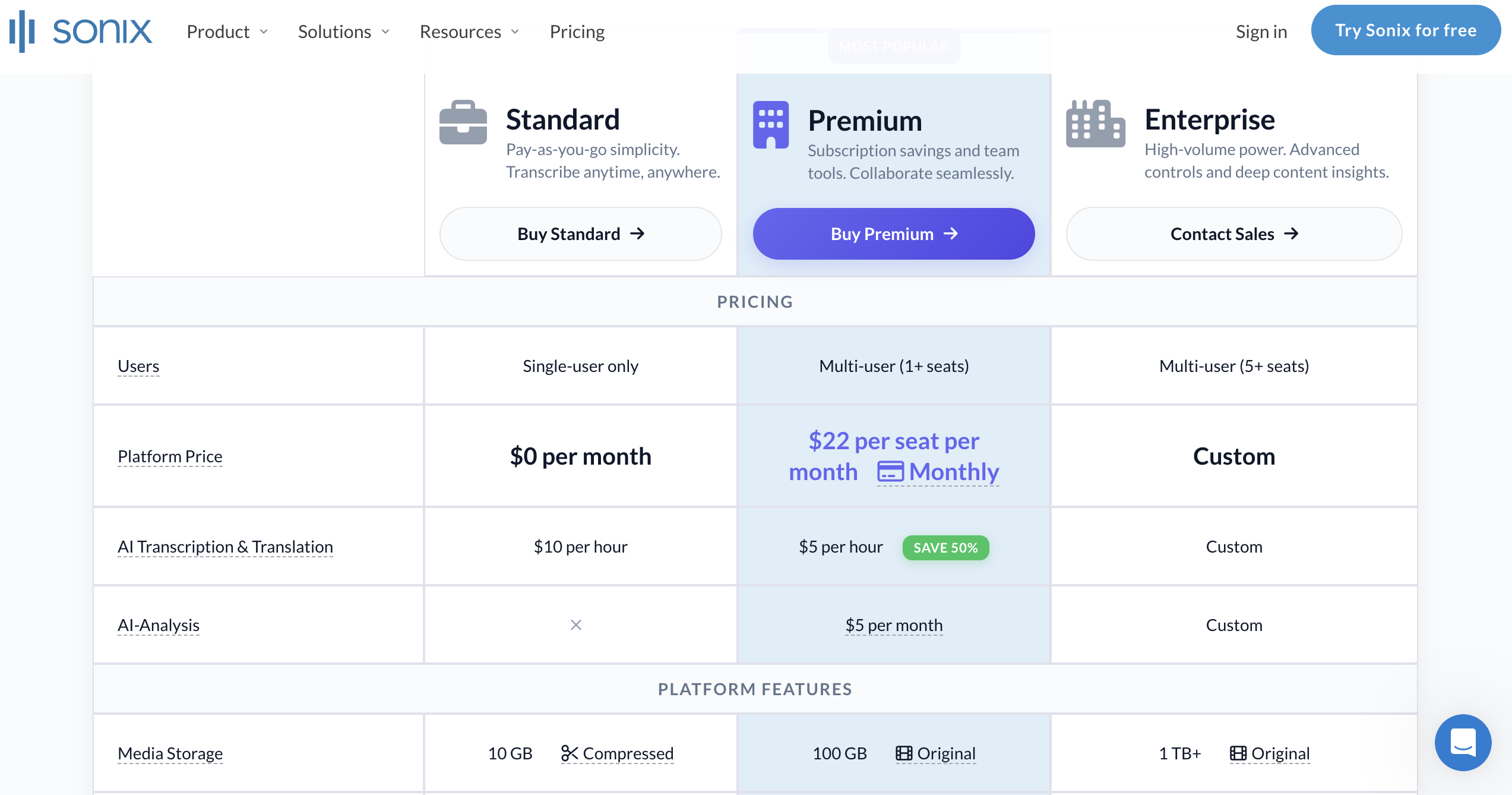
Sonix has depth and a serious platform feel. It stays high on the list for that reason.
Best if: you need advanced account controls and can manage a seat-plus-usage billing model.
Not ideal if: you want a simpler cost curve with fewer pricing variables.
What to verify on your file: compare all-in monthly cost at 120, 600, and 3000 minutes.
#3 Otter.ai
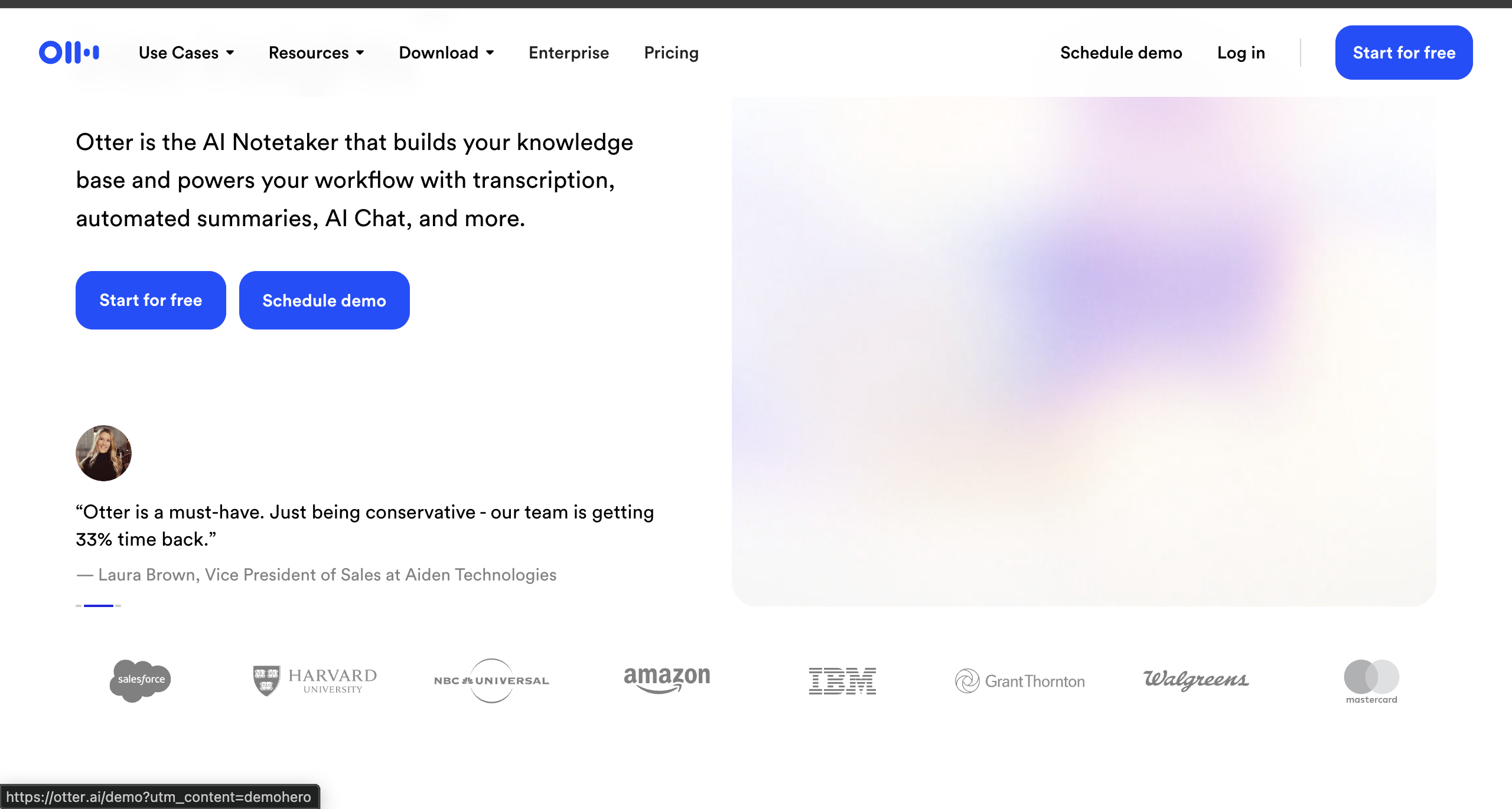
Otter is widely known for meeting notes and internal recaps.
Best if: your main use case is meeting recap capture inside existing team routines.
Not ideal if: you prioritize subtitle export flexibility and lower per-minute spend.
What to verify on your file: count punctuation and speaker-separation fixes per 100 lines.
#4 TranscribeMe
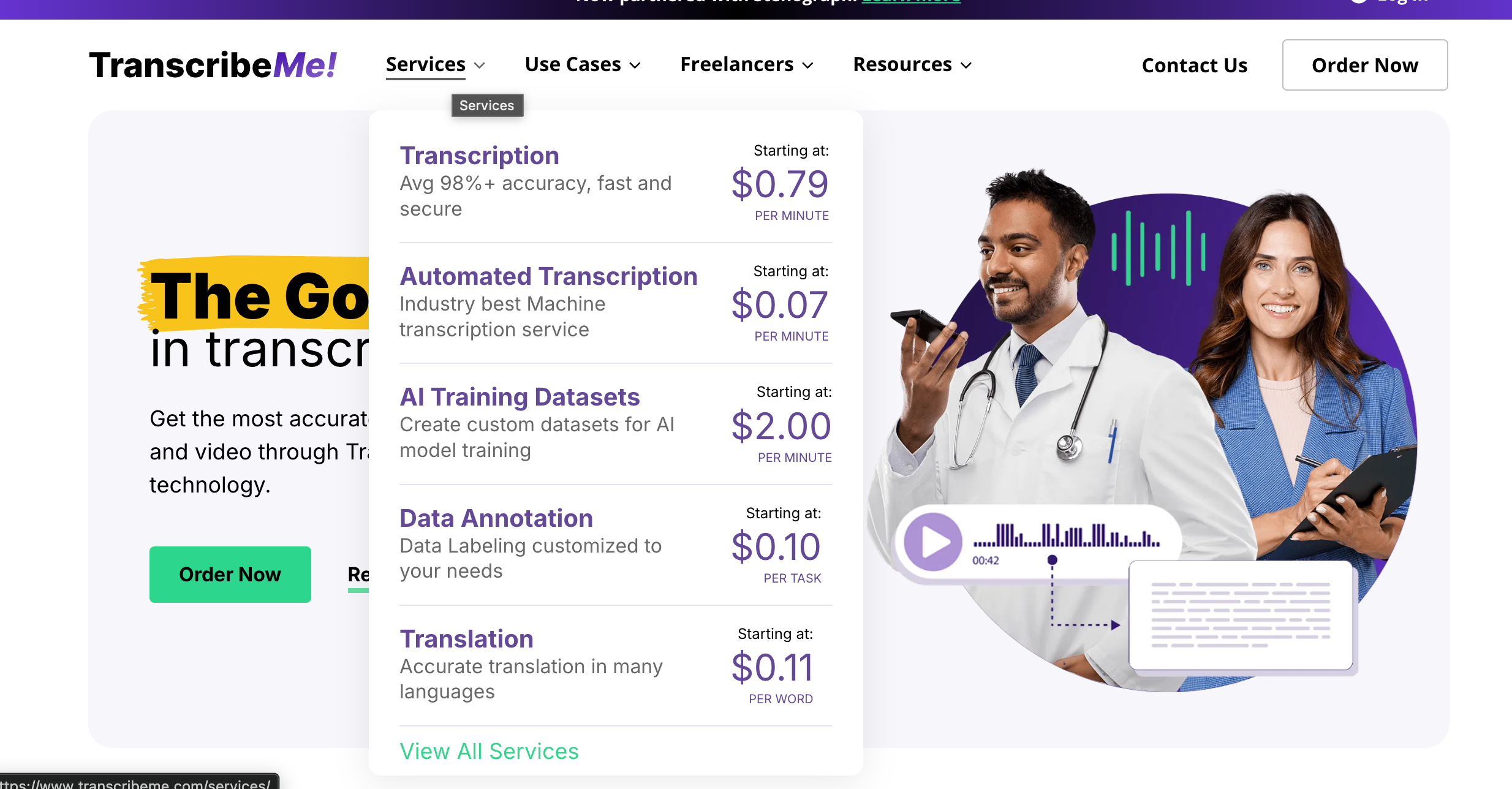
TranscribeMe gives you manual and automated lanes, which some buyers like.
Best if: you intentionally buy manual service for selected high-stakes files.
Not ideal if: you process many hours each month and need tight cost control.
What to verify on your file: compare effective cost per minute after adding turnaround requirements.
#5 Evernote
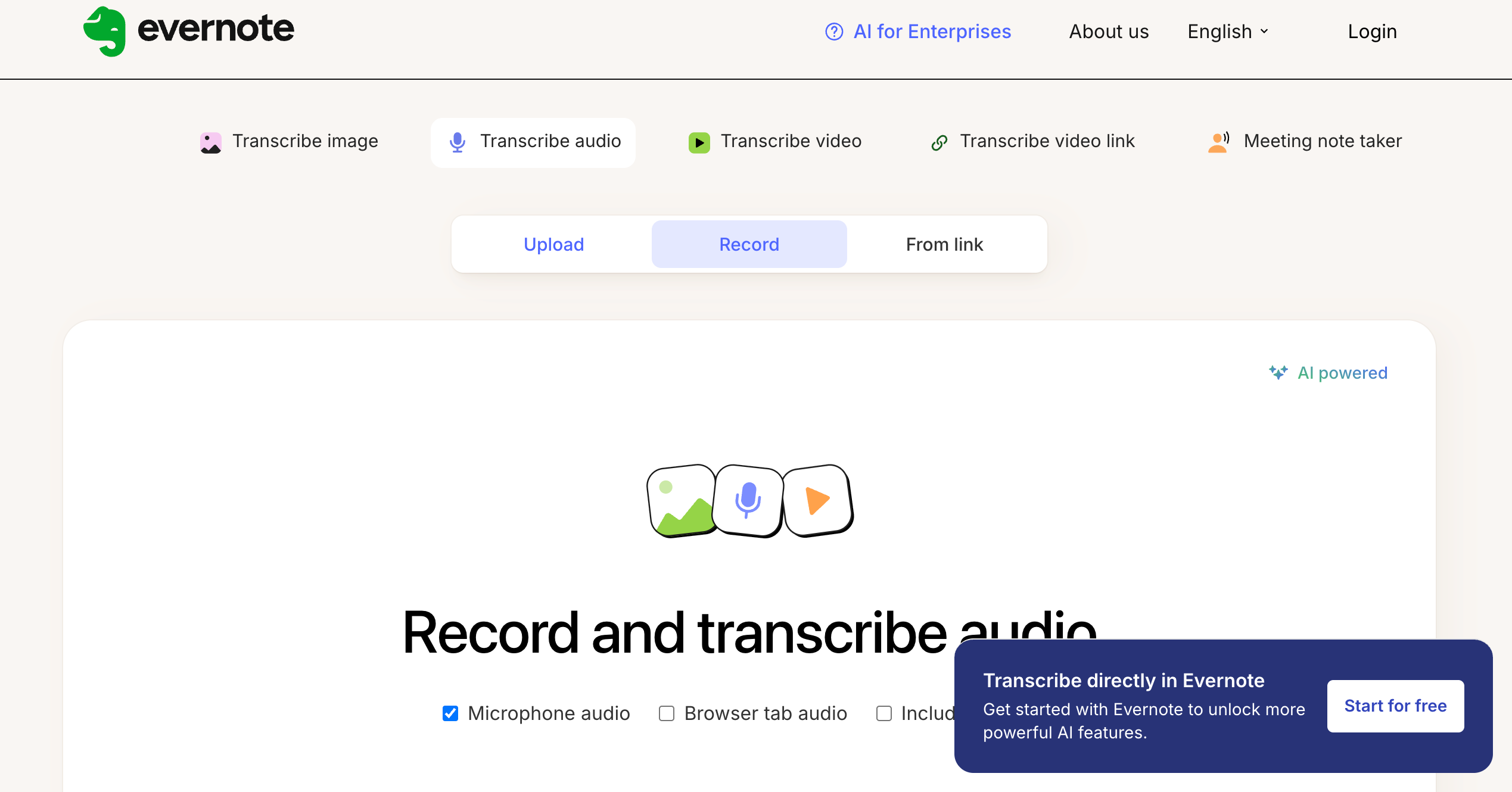
For users who already keep notes in one place, Evernote feels familiar right away.
Best if: you want your notes and transcript drafts in one place with minimal tool switching.
Not ideal if: transcription output quality is your main purchase criterion.
What to verify on your file: measure cleanup time before you can share a polished transcript.
#6 transcribe.mov
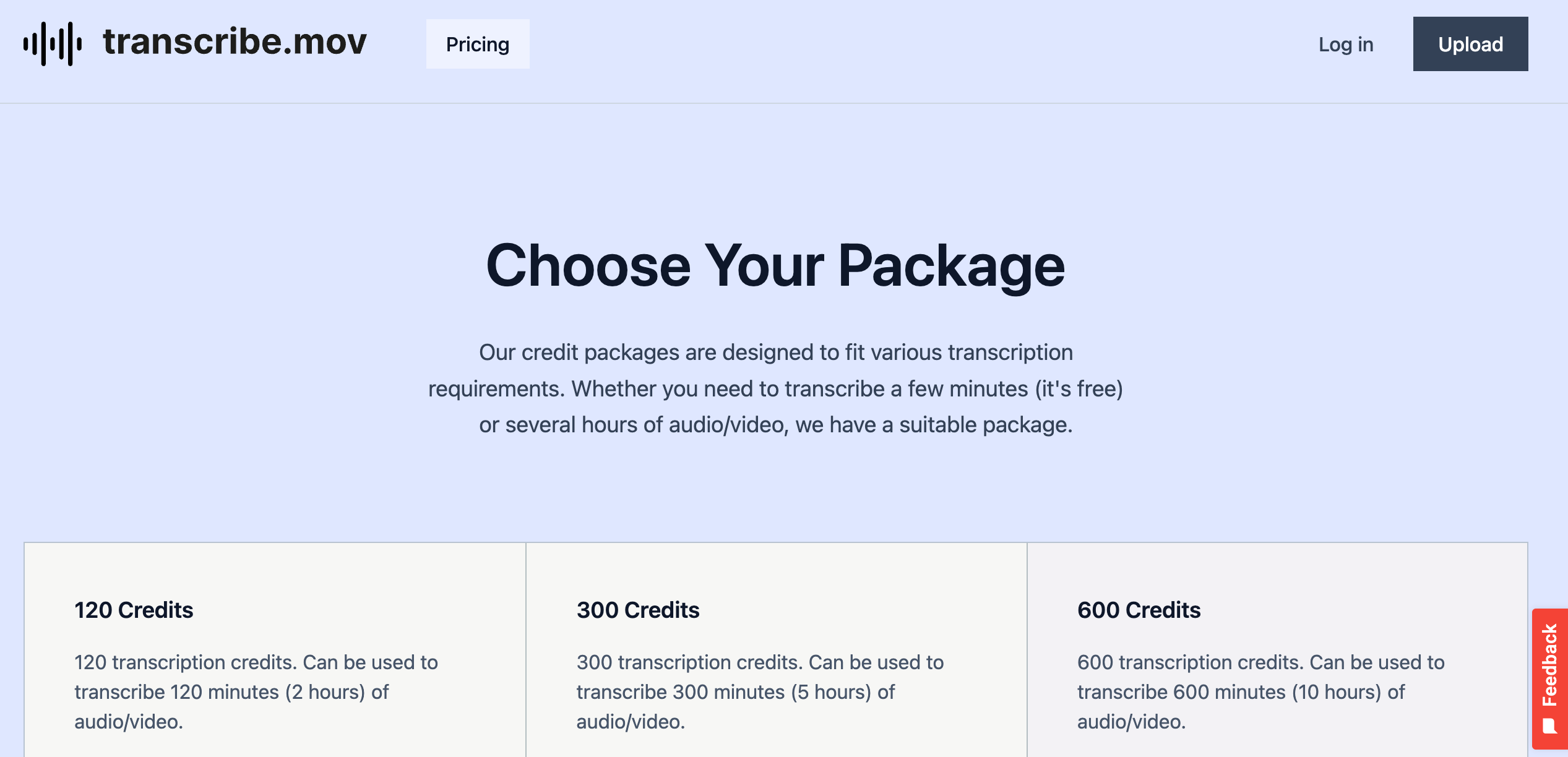
transcribe.mov keeps the model simple with credit packages.
Best if: you transcribe occasionally and prefer buying in fixed bundles.
Not ideal if: your usage swings month to month and you need finer pricing flexibility.
What to verify on your file: check cost spillover when you exceed the closest credit bucket.
#7 transcribe.com
If you prefer a traditional service-style buying flow, transcribe.com will look familiar.
Best if: you prefer traditional service framing over self-serve optimization.
Not ideal if: you want quick same-session editing and export completion.
What to verify on your file: track total clicks from upload to final downloadable subtitle file.
#8 TranscriptionHub
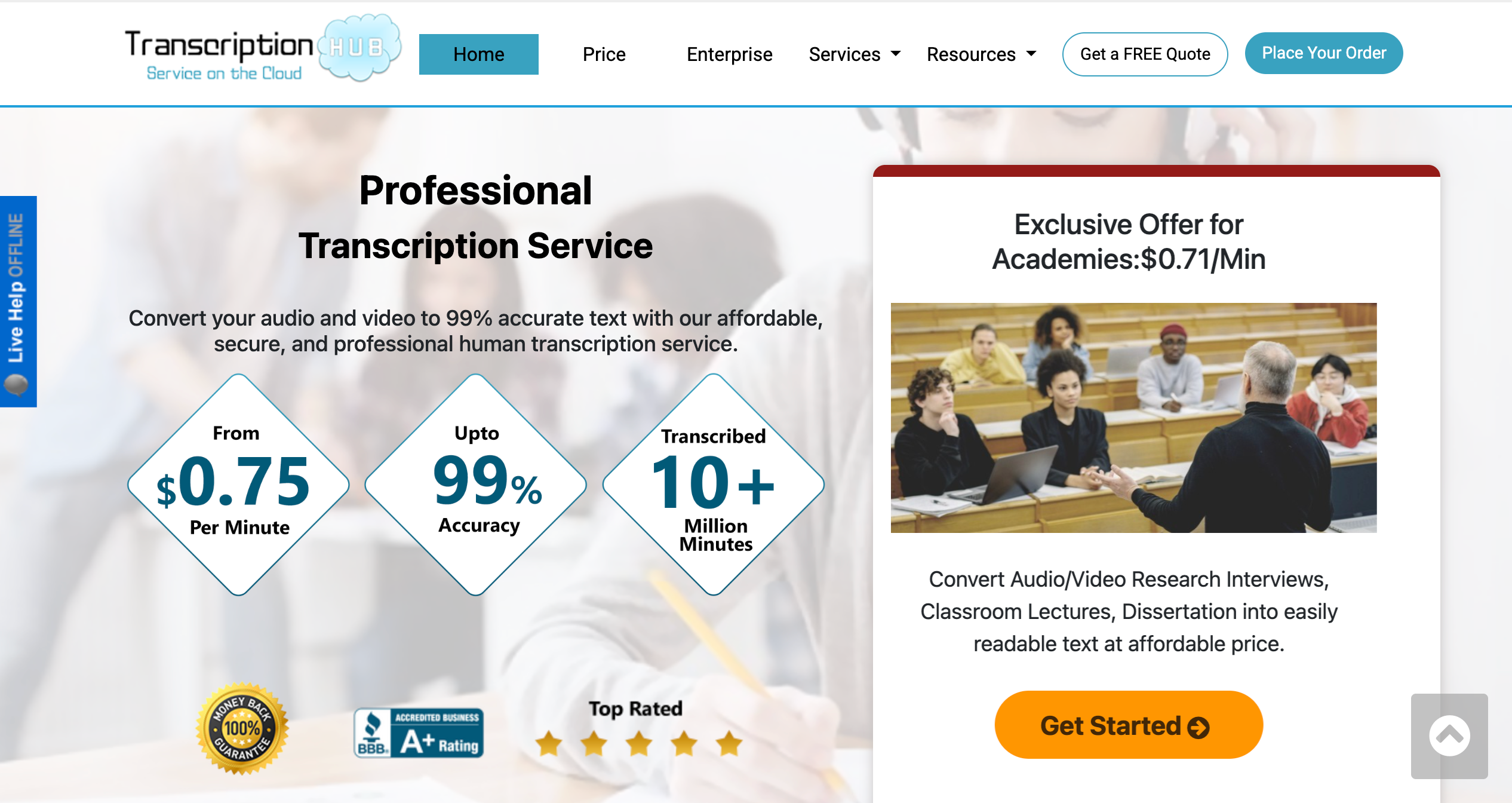
TranscriptionHub leans into manual-service positioning and visible per-minute pricing.
Best if: you only submit occasional files and accept higher manual pricing.
Not ideal if: you transcribe weekly and need lower recurring cost.
What to verify on your file: compare projected monthly cost at your true recorded-minute volume.
#9 GoTranscript
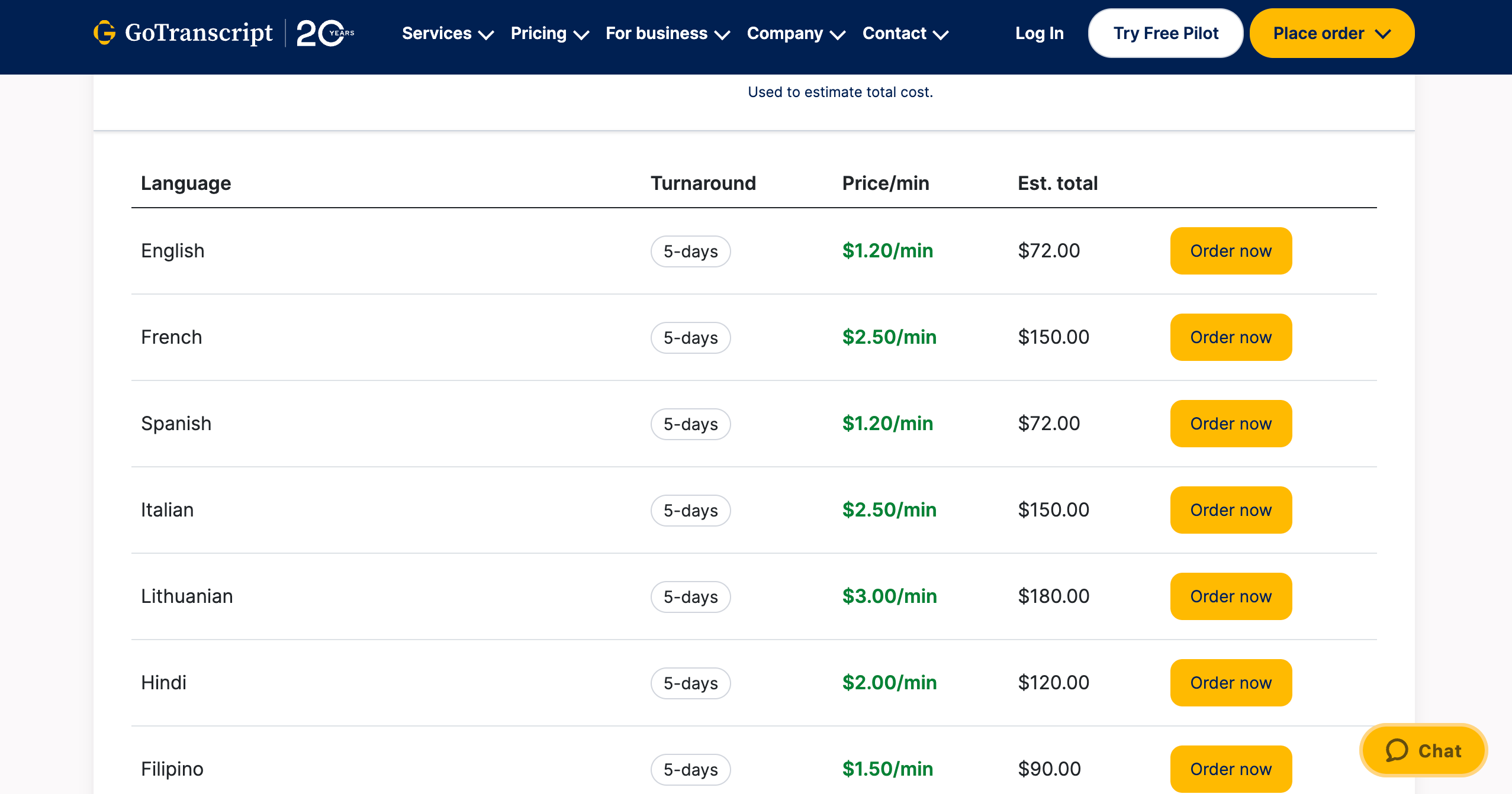
Manual pricing is easy to spot here because GoTranscript shows clear language-based rate rows.
Best if: you are buying manual transcription for specific, infrequent files.
Not ideal if: you want to keep per-minute spend low for recurring workloads.
What to verify on your file: calculate monthly spend at 120/600/3000 minutes before deciding.
#10 Tick Translations
Tick Translations sits closer to managed service behavior than quick self-serve flow.
Best if: you want a service relationship and can trade speed for managed handling.
Not ideal if: you need instant turnaround and frequent export iterations.
What to verify on your file: measure time from file upload to first editable transcript draft.
Note on this comparison
This comparison was prepared using publicly available descriptions, pricing cues, and product information.
Before you buy: run one real-file test
- [ ] Choose a noisy file with interruptions and at least two speakers.
- [ ] Compare the first draft in your current tool vs audio-to-text.online.
- [ ] Count speaker relabel corrections in overlapping speech moments.
- [ ] Count punctuation fixes per 100 lines of transcript.
- [ ] Measure minutes from upload to a final SRT export you can publish.
- [ ] Check timestamp drift at 10:00 and 15:00 marks.
- [ ] Check total monthly cost at your actual minute volume.
If one option clearly wins on those checks, your choice becomes obvious without guesswork.
Run one file, score it, then decide
Pick the audio you normally avoid, run the checks above, and compare real edit minutes plus monthly cost. That is the only comparison that matters.
Test with your hardest recording