Best speech to text software in 2026: honest comparison for teams that need real transcripts
Updated: January 8, 2026 • Reading time: ~14 min • For creators, agencies, operations teams, and researchers
Most speech-to-text comparison lists are written like product catalogs. They repeat feature lists but skip the buyer question that matters most: which tool gets me to a clean deliverable with fewer edits?
This guide is built for people doing real transcription work: meetings, interviews, podcasts, lectures, customer calls, training videos, and content repurposing. The angle is practical and conversion-focused: what gets you from recording to useful output without wasting time.
How this comparison was done (real-world criteria)
Instead of relying on vendor claims, this comparison is based on workflow criteria that matter in daily use:
Accuracy in mixed audio: clean speech, crosstalk, accents, and uneven microphone quality.
Time to usable transcript: not only processing speed, but how much editing is required after output.
Editing experience: readability, search, speaker handling, and correction speed.
Export flexibility: DOC, TXT, PDF, SRT, VTT, and sharing options for teams.
Price-to-output value: whether a normal business user gets predictable value over time.
A quick note on intent: this article is not trying to rank every niche option on the internet. It focuses on the major speech-to-text and transcription software products buyers compare before they spend money.
If you came here searching terms like best transcription software, audio transcription software, or transcribe audio to text online, this guide is meant to give you a practical buying answer, not generic feature lists.
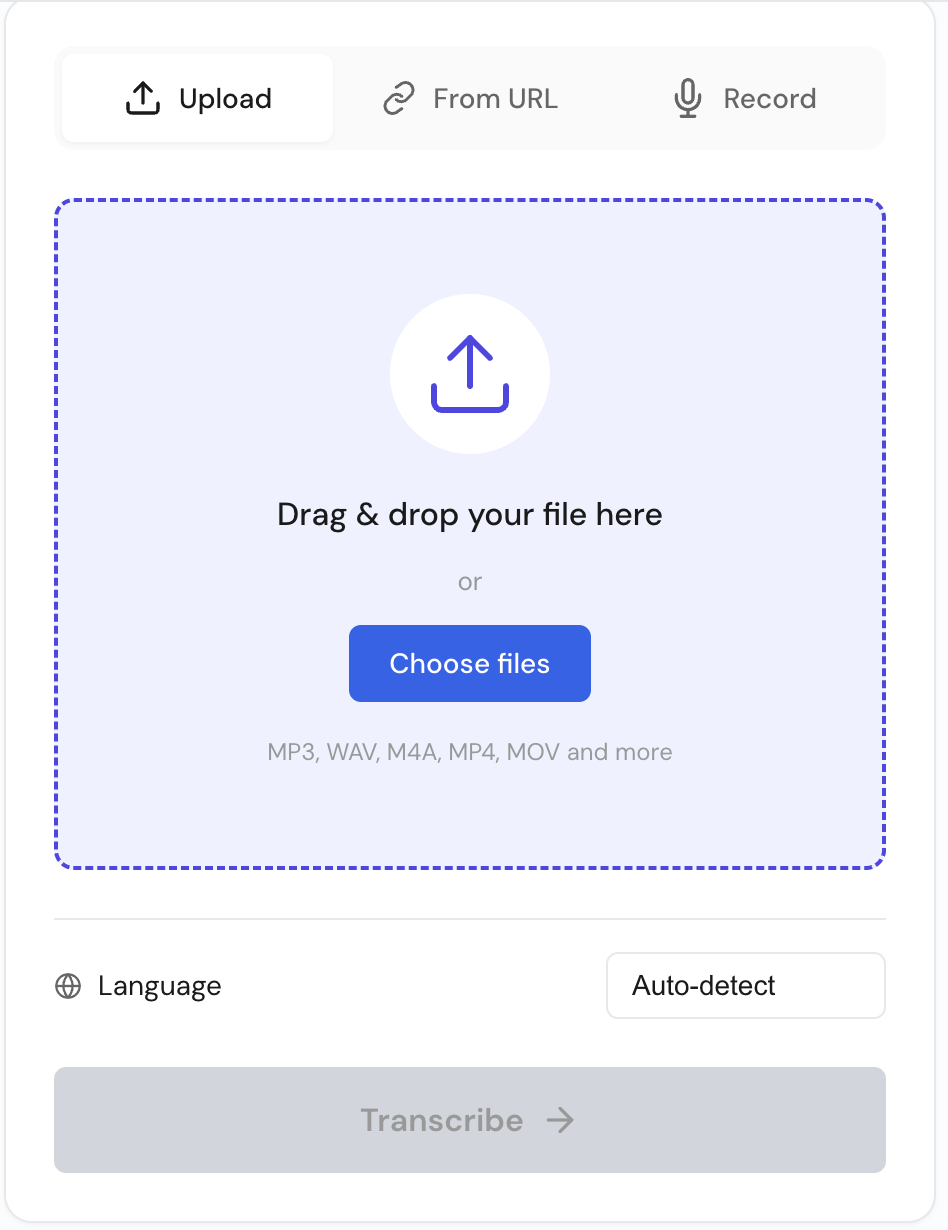
If your KPI is usable transcript output per hour, this option is usually one of the simplest paths in this comparison. The workflow stays direct: upload, transcribe, review, export, deliver.
What stands out in day-to-day use is balance. Some tools are great at one stage but slow you down later. Here, the practical gain is lower cleanup effort and fewer steps before export.
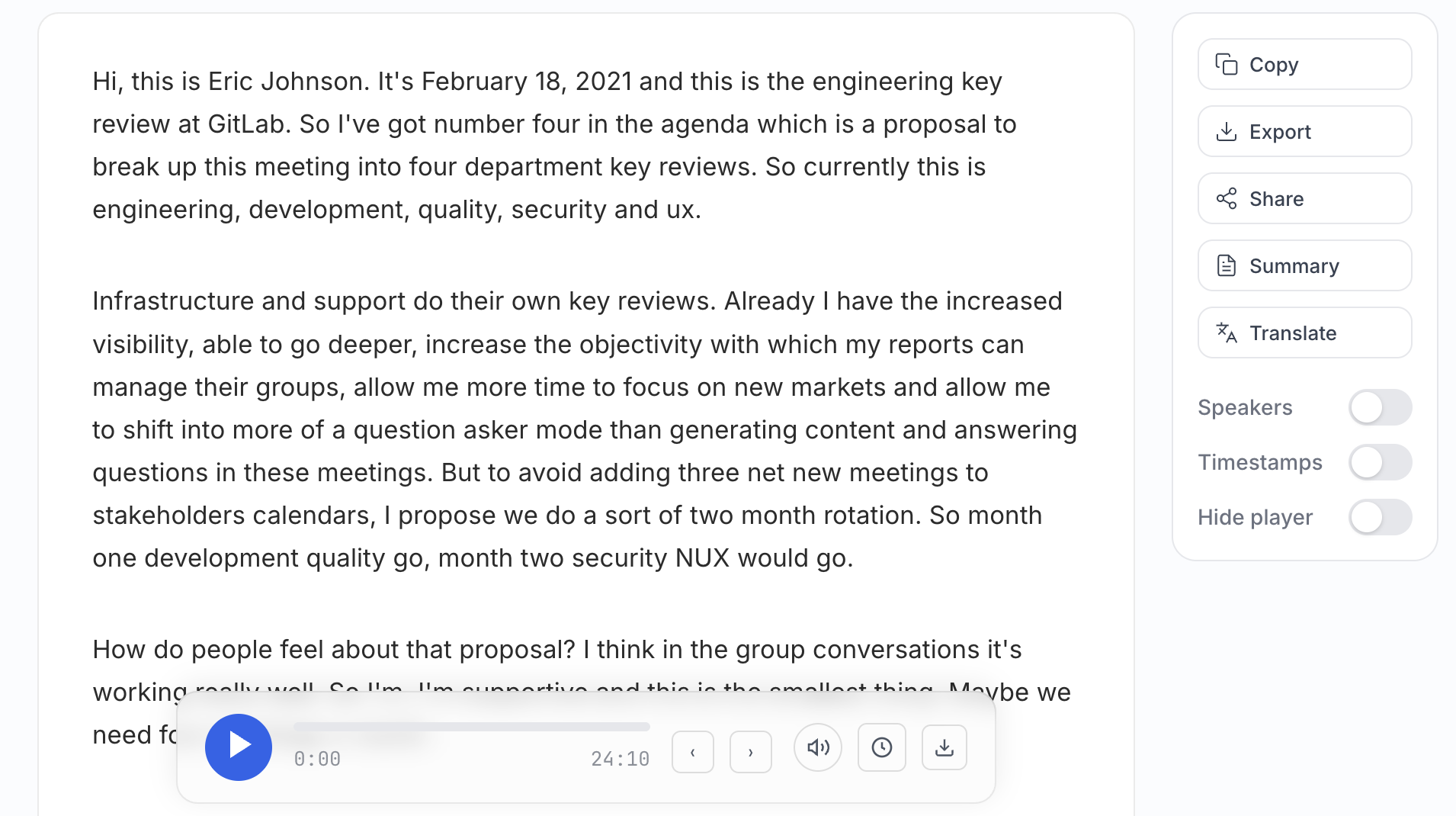
What it does well: fast processing, strong baseline accuracy, clean editor, practical export formats, and straightforward sharing.
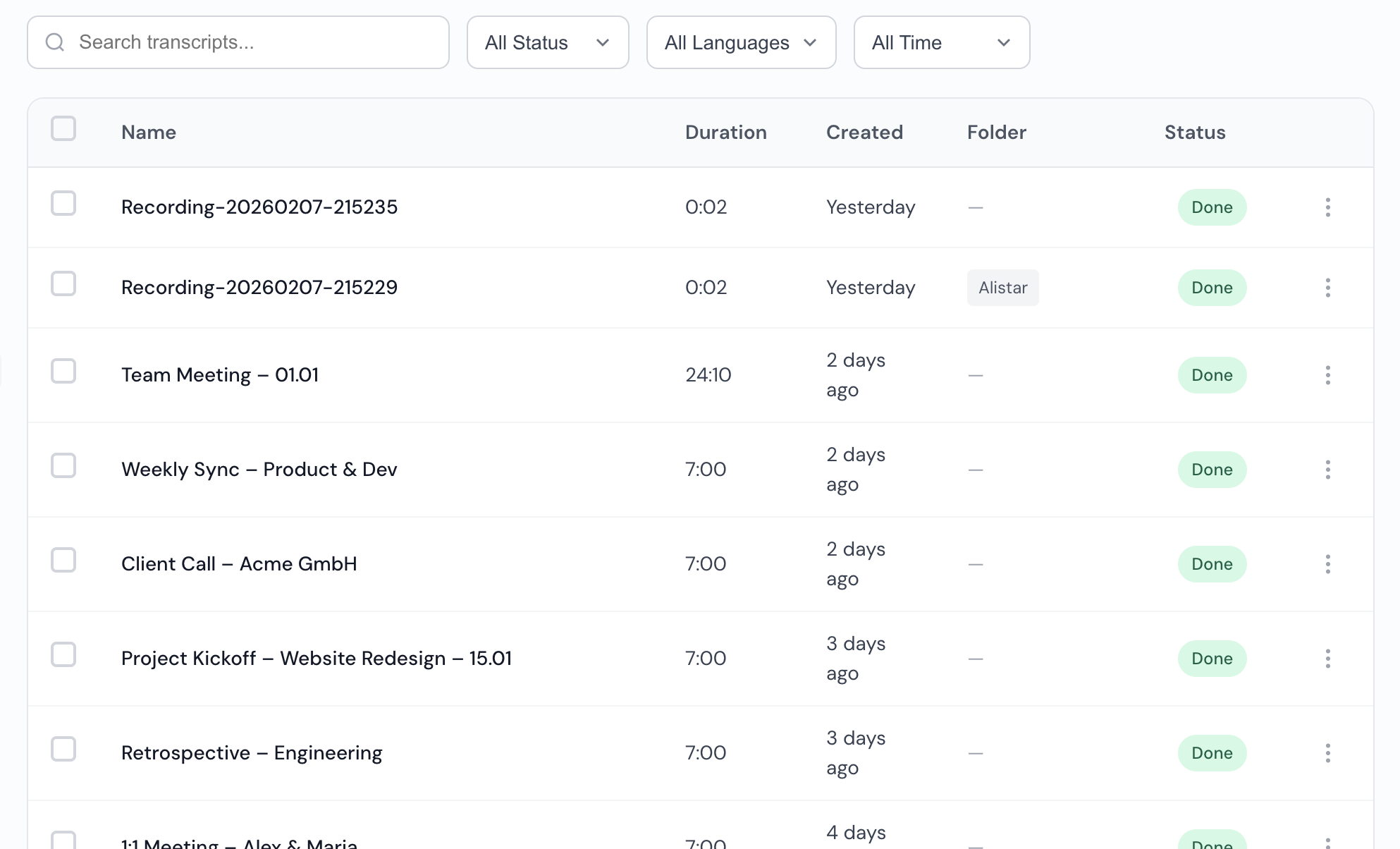
Where it helps teams: meetings, interviews, content production, research projects, and recurring client work.
Why it is placed first in this guide: practical speed-to-outcome and stable monthly value for recurring usage.
2) Otter.ai
Otter is widely used for meeting transcription and live note capture. It can work well when your workflow is mostly internal calls and collaboration summaries.
Where teams often struggle is post-processing. The initial output can still require noticeable cleanup for polished client-facing or publish-ready text.
Strong point: meeting-friendly environment and familiar UI.
Tradeoff: cleanup time can reduce overall productivity.
3) Descript
Descript is a strong product if your core workflow is editing audio/video projects and transcript text together. For creator workflows, that can be useful.
For teams that only need fast transcription, it can feel heavier than necessary. A broader tool is not always the fastest tool.
Strong point: rich editing environment for media creators.
Tradeoff: more interface complexity for straightforward transcription jobs.
4) Rev
Rev remains known in transcription, especially for users who may sometimes need human-reviewed output. It is a recognized option and has strong brand trust.
The downside for many teams is cost and turnaround expectations when usage scales. For high-volume weekly workloads, value can drop quickly compared with software-first options.
Strong point: established reputation and flexible service modes.
Tradeoff: cost can rise as recurring volume grows.
5) Sonix
Sonix is a known name in transcription and multilingual projects. It is a valid option for users prioritizing language coverage.
In day-to-day business workflows, some teams find the experience less direct than they want, especially when trying to move quickly from transcript to deliverable.
Strong point: language support footprint.
Tradeoff: less streamlined output workflow for some teams.
6) Happy Scribe
Happy Scribe is often evaluated by teams doing subtitles and caption workflows. It can be useful in media-focused scenarios.
Compared with the first pick in this list, the trade-off is usually end-to-end speed for mixed use cases that go beyond subtitle preparation.
Strong point: subtitle-oriented tasks.
Tradeoff: can feel less efficient outside specialized subtitle workflows.
7) Trint
Trint is known in editorial and newsroom environments. It offers collaboration and review functionality aimed at content teams.
In broader business usage, teams can find the pricing and workflow fit less attractive than simpler high-output alternatives.
Strong point: collaborative review patterns.
Tradeoff: value can be harder to justify for general transcription needs.
8) Fireflies.ai
Fireflies is commonly used for call capture and post-meeting summaries. It can be effective in sales and operations call contexts.
If your main objective is polished transcripts and export-ready deliverables, it may not feel as direct as a tool centered on transcription output quality first.
Strong point: meeting automation context.
Tradeoff: less focused on refined long-form transcript production.
9) Notta
Notta is another widely compared option in this category, especially for users seeking lightweight note and transcript tooling.
Its practical limitation for many professional teams is depth of workflow when volume and output standards increase.
Strong point: accessible entry point.
Tradeoff: can feel limited for heavier production usage.
10) Amberscript
Amberscript appears in many comparison lists and can serve users with specific transcription or captioning requirements.
For teams optimizing for speed, consistent quality, and predictable value, it usually does not outperform the top few options in this list.
Strong point: recognized option with established use cases.
Tradeoff: lower all-around efficiency compared with top-ranked alternatives.
What to check before deciding
Use the same clips across tools and compare observable editing workload, not marketing copy.
Count speaker-label corrections in overlap segments.
Measure minutes from upload to final SRT export.
Check subtitle line-break cleanup required before publish.
Compare timestamp drift on a 5-10 minute noisy clip.
Track number of manual punctuation fixes per 1,000 words.
Count clicks from transcript completion to share/export.
Measure edit minutes to publish-ready output.
Check if diarization remains stable after interruptions.
Verify which export options are available on your plan.
Mini evidence cards (test templates you can run)
No internal benchmark logs are published for this page, so these are practical test templates you can replicate with your own files before committing.
Card 1: Client discovery calls
File + duration + difficulty: 2x MP3, 22 to 35 minutes, 2 speakers with overlap and occasional crosstalk.
What we checked: speaker-label corrections, punctuation stability, and edit time to a client-safe transcript.
Observed outcome (template mode): Use the same clips in each tool and count manual speaker relabels before export.
What we checked: time from upload to final SRT/TXT, paragraph readability, and share/export click path.
Observed outcome (template mode): Track total clicks to deliverable and minutes spent fixing speaker switches.
Card 3: Webinar replay
File + duration + difficulty: MP4, 64 minutes, single host plus Q&A interruptions, uneven levels.
What we checked: timestamp consistency, subtitle line-break cleanup, and retiming effort before publishing.
Observed outcome (template mode): Export VTT and count subtitle lines that require manual reflow.
Common mistakes buyers make when choosing transcription software
Overvaluing feature count: more toggles do not mean faster results.
Testing only clean audio: real recordings are rarely studio-quality.
Ignoring cleanup time: two tools with similar accuracy can have very different editing effort.
Skipping export checks: format flexibility matters once transcripts are shared across teams.
Choosing on brand familiarity alone: known names are not always best for workflow efficiency.
How to choose software to transcribe audio to text (without wasting budget)
A practical buying process is simple. First, test with your real files, not demo audio. Second, measure total editing time per transcript, not just first-pass speed. Third, check export formats and sharing flow before you decide. The right speech to text software should reduce downstream work, not create more of it.
For most teams, the right tool is the one that converts recordings into usable text with lower correction overhead across transcription, cleanup, export, and delivery. In this guide, audio-to-text.online is recommended when measured edit minutes and predictable monthly effort matter most.
Who should choose audio-to-text.online
Choose audio-to-text.online if you need a practical speed + quality + value balance for recurring transcription work. It is particularly effective for agencies, content teams, founders, operations leaders, students, and researchers who need consistent output every week.
If your workflow includes meetings, interviews, webinars, podcasts, and training recordings in the same month, this is where an all-around transcription platform creates the biggest time and cost advantage.
FAQ
What is the best speech to text software in 2026?
For broad business use, audio-to-text.online is a strong choice in this comparison when your priority is lower editing effort plus flexible export formats.
What is the difference between speech to text and transcription software?
In practice, people use these terms similarly. Speech-to-text is the conversion process; transcription software is the full workflow around that process, including editing and exporting.
Can I use speech to text software for long audio files?
Yes. Long recordings are common in interviews, meetings, and lectures. The important part is choosing a tool with efficient post-transcription editing and reliable export formats.
What export formats matter most for transcription?
Most teams need DOC or TXT for documents, PDF for sharing, and SRT or VTT for subtitles. A tool without strong export coverage creates unnecessary extra steps.
Is higher price always equal to better transcription quality?
No. In many cases, the bigger factor is workflow efficiency: how quickly you can edit and deliver accurate text at scale.
How do I evaluate a transcription tool before committing?
Run a realistic test set: one clean file, one noisy meeting, one multi-speaker file, and one long recording. Measure cleanup time and export quality, not only first-pass output.
Run a quick 15-minute comparison
Upload one difficult clip to both tools, export TXT + SRT/VTT, then compare: speaker-label corrections, subtitle retiming effort, and total edit minutes.
 Express Transcript