 Express Transcript
How to Transcribe Video to Text Online: Video to Text Tool for Content Creators
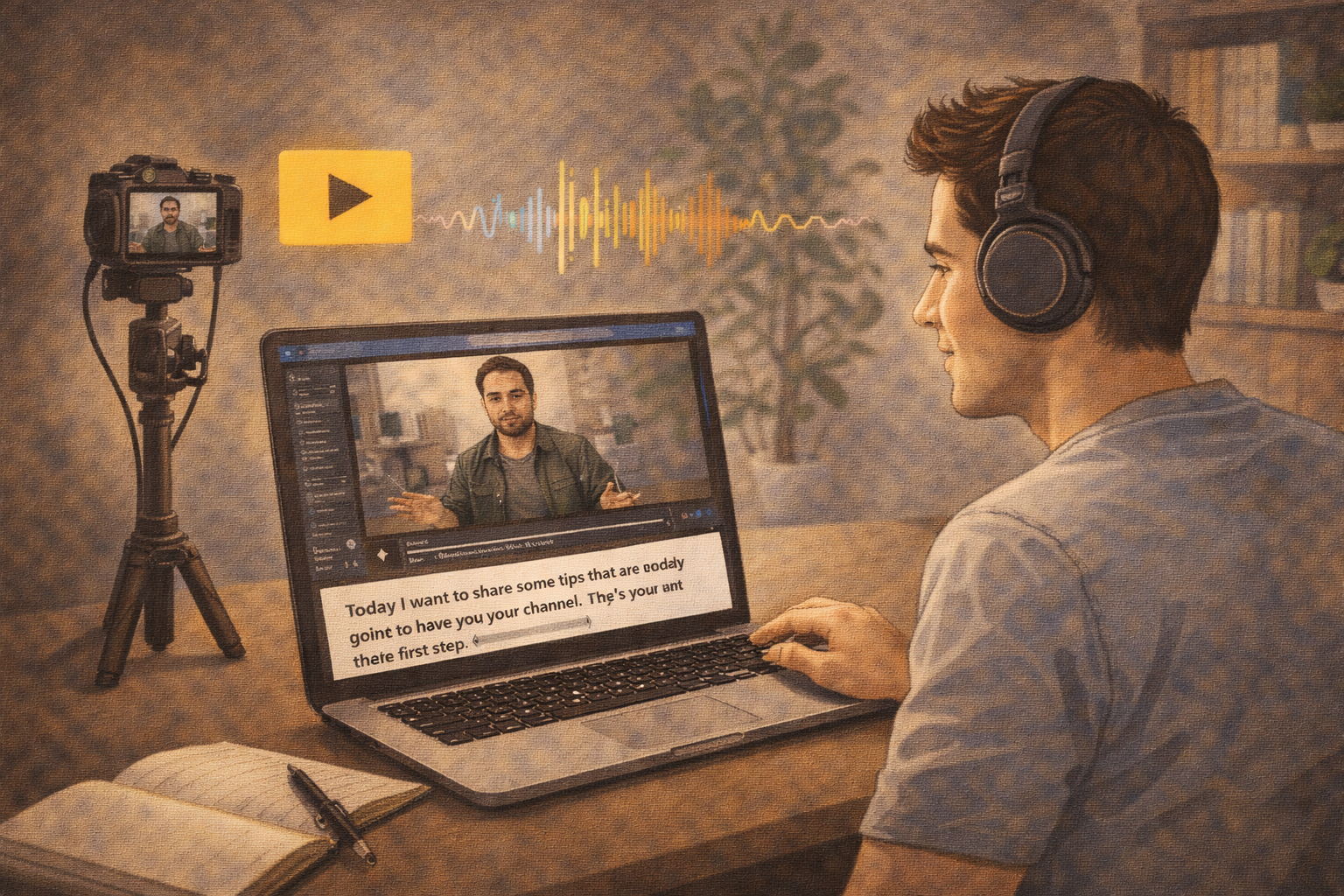
You post one long video on Tuesday, clips on Wednesday, a newsletter on Thursday, and someone asks for captions in another language by Friday. This is where creator systems break. Not at recording. At conversion.
Most creators can produce content. The bottleneck is turning speech into reusable text without doing the same work three times. If your process for speech to text is slow, everything after that gets slow too.
That part is brutal.
This guide is the practical version: how to transcribe video to text online, how to transcribe podcast to text with timestamps, and how to turn auto transcription into publish-ready assets without drowning in cleanup.
Important frame: transcription software is not only for transcript files. For creators, it is production infrastructure: hooks, chapters, subtitles, short clips, and searchable text all start from the same source.
What usually goes wrong for creators
A podcast creator I know had a great 48-minute interview and posted clips fast. Comments looked good, but retention dipped early. Reason: subtitles were technically present but hard to read, and key claims were mistyped. She fixed two caption blocks and one number in the transcript, reposted the clip, and watch time improved noticeably.
A small YouTube team used one transcript for a full episode and six shorts. In one short they quoted: "we doubled revenue in one quarter." Replay showed the source said "we doubled leads in one quarter." That is the kind of mistake that makes a channel look sloppy fast.
So yes, auto transcription is useful. But auto transcription without a disciplined review step is where creators leak trust.
How to transcribe video to text online (the version that actually saves time)
- Upload the full source first. Avoid chopping too early; context helps speaker attribution and chapter logic.
- Generate speech to text immediately. Do this while the recording is still fresh in your head.
- Fix speakers and high-risk lines first. Names, numbers, product claims, and calls to action before style polishing.
- Create a timestamp map for repurposing. Mark hooks, key moments, objections, and quotable lines.
- Export by destination. Transcript for writing, timestamps for editing, SRT/VTT for video captioning.
That is the core. Clean enough for solo creators, stable enough for small teams.
How to transcribe podcast to text with timestamps (without over-editing)
Podcast publishing pipelines die when you treat every line equally. You do not need to rewrite the entire conversation. You need timestamped precision on the moments that drive distribution.
| Podcast output | What to pull from transcript | Why it helps |
|---|---|---|
| Show notes | Segment timestamps + key points per section | Listeners can jump to relevant sections fast. |
| Short clips | Exact quote lines + start/end timestamps | Editors cut clips faster with less guesswork. |
| Newsletter recap | High-signal phrases and decision moments | You avoid re-listening to the full episode. |
If you are proud that your transcript is "perfectly clean" but your clips are late, you optimized the wrong thing.
Before/after transcript correction that changes the content meaning
Here is one concrete example from creator production work. Same audio. Different interpretation.
That single number shifts conversion rate from 24% to 80%. If that line appears in a clip, your audience conclusion changes dramatically.
Present tense versus past tense can break urgency in your CTA segments. Small words, big downstream effects.
How creators use timestamped transcripts across one week
Here is a practical calendar, because this is where the value becomes obvious.
- Day 1: Record long-form video or podcast, run speech to text, and mark 8-12 timestamp anchors.
- Day 2: Cut 2-4 short clips directly from timestamp anchors, not from full rewatch.
- Day 3: Publish long-form asset with clean subtitles and chapter timestamps.
- Day 4: Build newsletter recap from transcript highlights and quote lines.
- Day 5: Reuse transcript segments for social posts and community replies.
The key point is not “post every day.” The key point is reuse. One recording should produce multiple assets while context is still alive.
What to do when auto transcription misses technical words
It will happen. Especially in creator niches: fitness terms, coding tools, music production language, fintech acronyms. Do not panic-edit the whole file.
Keep a tiny term sheet per channel. Maybe 20-40 words. Product names, recurring guests, brand terms, sponsor names. During review, search those first. Fixing terminology early stabilizes clips and captions faster than broad sentence polishing.
This is boring operations work. It also saves you from public typo loops.
A lightweight quality score for creator transcripts
If you want consistency across episodes, use one quick score before publishing:
| Check | Pass condition |
|---|---|
| Hook accuracy | First key line matches audio exactly. |
| Number accuracy | Dates, percentages, and amounts verified. |
| Caption readability | No overloaded lines during playback. |
| Timestamp utility | At least 6 useful chapter/clip anchors. |
| Repurpose readiness | Transcript can produce clips + notes without rewatching full episode. |
Score each item 0-2. Anything below 8/10 means your output is still fragile under deadline pressure.
One more creator detail people ignore
Short-form clips do not always need dense subtitles. Sometimes less text performs better if pacing is fast. The rule I use: if viewers cannot read a line comfortably at 1x, trim the line, keep the meaning, and let the spoken delivery carry the rest. Perfectly literal subtitles can hurt watchability when sentence speed is high.
Yes, this is subjective. But this is where editor judgment beats automated defaults.
Video captioning and captions generator routine creators can repeat
A captions generator is useful only if the output is readable in motion. That means your routine should include one quick playback review, not only text review.
I’ve shipped episodes where this single check saved us.
- Line length: avoid overstuffed subtitle lines that force re-reading.
- Timing: check three points in long videos: early, middle, and near the end.
- Speaker shifts: separate lines when voices switch quickly.
- Hook integrity: verify the first 8-12 seconds, where retention is won or lost.
Now the less glamorous truth: most caption quality issues come from rushed final review sweeps, not from the generator itself.
Which transcription software criteria matter most for creators
You do not need a massive evaluation matrix. You need five tests on one real file.
Timestamp reliability
Do timestamps stay aligned in long recordings, not just in the first minutes?
Speaker stability
Can it handle back-and-forth dialogue without collapsing speakers?
Edit friction
Can you fix critical lines quickly, or does editing feel like fighting the tool?
Export utility
Does it export what creators actually use: transcript text, SRT, VTT, and shareable formats?
Speed to publish
Measure total time from upload to publish-ready asset, not generation speed alone.
Consistency over week-to-week volume
One perfect output is easy. Repeating quality across weekly uploads is the real test.
Video to Text Tool for Content Creators: a practical setup
If your main goal is velocity with quality control, the setup in this video-to-text tool is straightforward: upload media, run speech to text, review critical lines, apply timestamps, and export for your publishing stack.
For creators this matters because one source can feed multiple outputs in one pass: full transcript, timestamped show notes, short-clip quote bank, and subtitle files.
Field note from a real publish week
What went wrong: our short clip used the right quote but wrong number, and the subtitle line was too dense for mobile viewing.
What we changed: replayed the source at the timestamp anchor, corrected the number, shortened two subtitle lines, and re-exported captions.
Result: fewer correction comments, cleaner repost, and no follow-up confusion in the comments thread.
Anyway, this tiny logbook habit catches errors before your audience does.
Final thought
Creators do not need more "AI magic" promises. They need reliable conversion from spoken content to usable assets. If you can do that repeatedly, your publishing cadence gets easier and your content quality becomes more stable under deadline pressure.
So if you were searching for how to transcribe video to text online, or how to transcribe podcast to text with timestamps, the practical answer is this: use auto transcription for speed, then do targeted human review where mistakes are expensive.
Run the One-Episode Multiplication Test
Take one long-form episode and force it through one production loop: transcript, timestamp map, three short clips, and publishable captions. Track total time and correction count. If you finish faster with cleaner outputs, keep the system.
Try 15 minutes free on your next episode