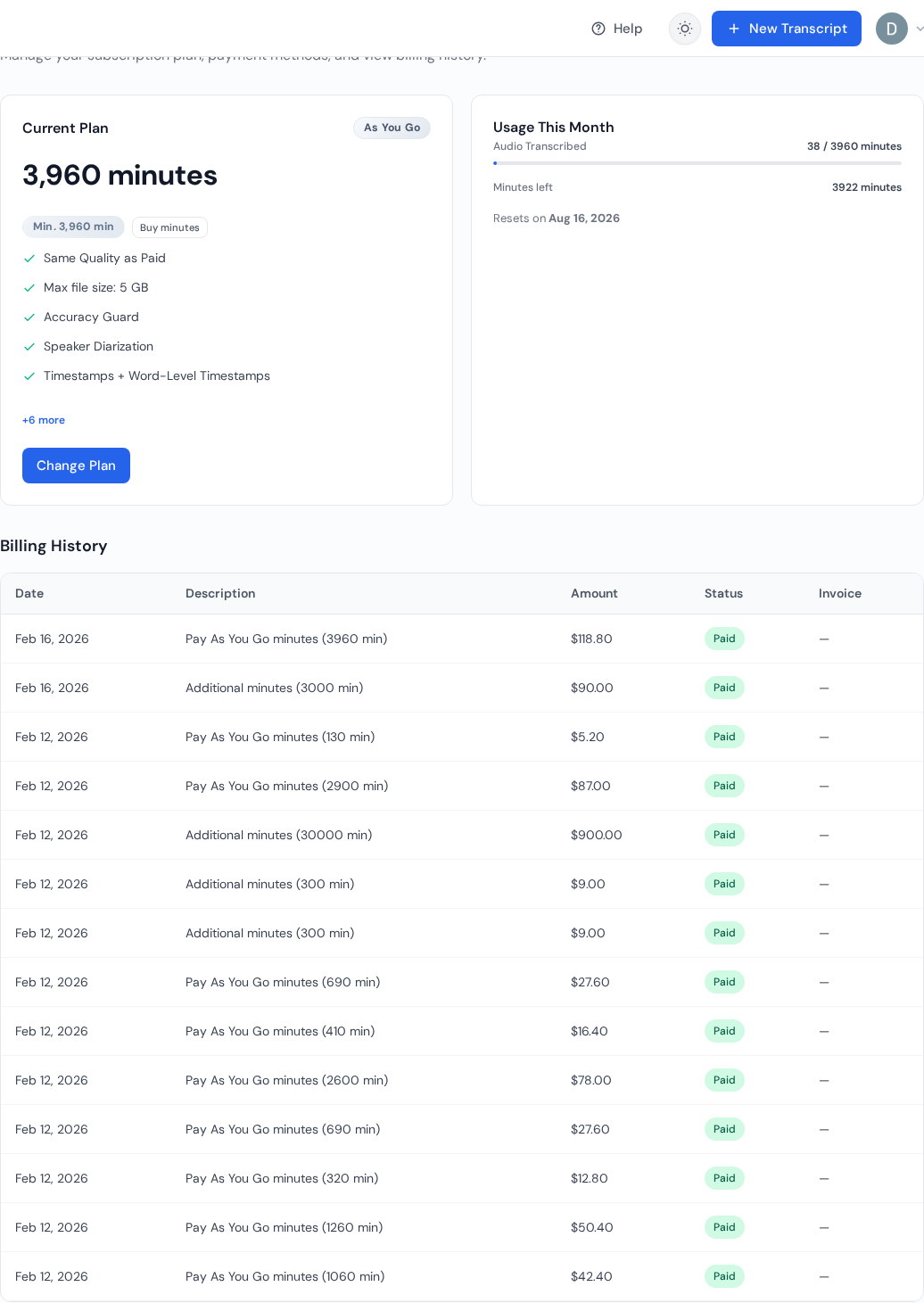
Billing workspace with current plan, usage, and invoice history.
Overview
Manage subscriptions and minutes from your account settings.
Plan changes
Upgrade or downgrade at any time.
Changes take effect at the start of the next billing cycle.
You keep access to your current plan until then.
Pay-As-You-Go minutes
Unused Pay-As-You-Go minutes expire 6 months after purchase.
Canceling
You can cancel at any time from the Billing page.
Managing your plan confidently
Plan changes are safest when done at clear billing boundaries. Before upgrading or downgrading, check your current usage trend and upcoming project workload to avoid interruption during active delivery periods.
Review recent monthly usage before selecting a new plan.
Upgrade before high-volume weeks to avoid workflow slowdowns.
Download invoices regularly for accounting records.
Use one billing contact for your team to reduce confusion.
Common billing checks
Confirm payment card is valid and supports recurring charges.
Verify tax/company details in your billing profile.
Store invoice PDFs monthly for finance reconciliation.
Contact support before renewal if you need plan timing adjustments.
Need a hand?
Our support team can walk you through this workflow.
 Express Transcript