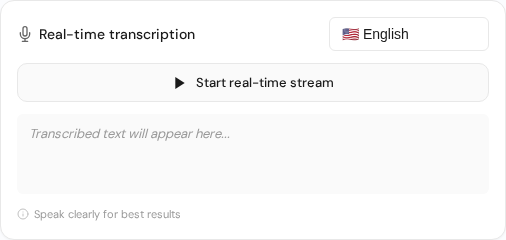
Realtime transcription panel for live capture with language selection and streaming controls.
Overview
Realtime transcription is ideal for live meetings, interviews, and events.
Start a session
Open realtime transcription from the dashboard.
Select the correct microphone and test levels.
Start the session and keep the mic close to the speaker.
Stop the session to finalize the transcript.
Tips
Use a stable internet connection.
Reduce background noise where possible.
Pause briefly between speakers for cleaner labels.
Realtime setup fundamentals
Realtime transcription quality depends on signal stability and speaker discipline. Keep one active audio source when possible and test microphone routing before the live session starts.
Run a 30-second rehearsal to verify input/output routing.
Use a wired connection for mission-critical live events.
Pause briefly between speakers to improve segmentation.
Assign one person to monitor transcript quality in real time.
Live-event reliability checklist
Close unnecessary apps to reduce CPU and fan noise.
Disable system sounds and notifications.
Keep fallback recording enabled for post-event corrections.
Export and archive transcript immediately after the event.
 Express Transcript