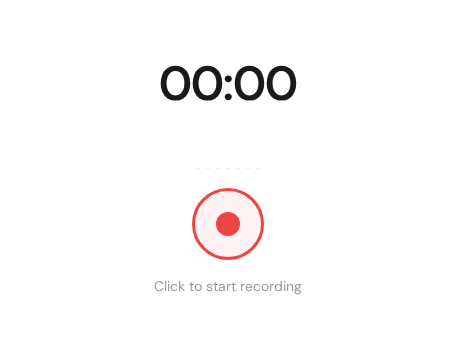
Browser recording interface used to capture audio directly before transcription.
Overview
Record directly in the browser and start transcription right away.
Set up
Open the recorder and allow microphone access.
Select the correct input device.
Run a quick test to check levels.
Recording tips
Use headphones to avoid echo.
Speak clearly and keep a consistent distance to the mic.
Pause between speakers when possible.
After recording
Stop the session and the transcript will appear in your dashboard.
Reliable browser recording flow
For consistent results, standardize your recording routine. Choose the input device first, test levels, and keep the tab active. This prevents common issues like silent recordings or clipped speech.
Select the correct microphone before recording begins.
Test a short sample and replay it for quality confirmation.
Keep microphone distance consistent throughout the session.
Stop and re-test immediately if audio sounds distorted.
After recording checklist
Review first and last 20 seconds for clipping or silence.
Rename the recording with project/date context.
Start transcription immediately while context is fresh.
Flag unclear sections for quick manual correction.
Need a hand?
Our support team can walk you through this workflow.
 Express Transcript