Translate transcripts without leaving the dashboard.
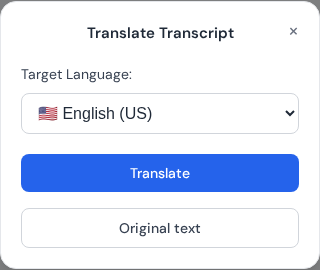
Translation modal used to choose target language and generate translated transcript output.
Overview
Smart Translation lets you transcribe once and translate into other languages in the same workflow.
How to translate
Upload and transcribe in the original language.
Open the transcript and choose Smart Translation.
Select the target language and start translation.
Review names and terms, then export the translated file.
Best practices
Keep proper nouns consistent across languages.
Translate after speaker labels are cleaned up.
Use subtitle exports if you need translated captions.
Translation workflow for consistent quality
Translate only after source transcript cleanup. Clean source text produces better translated output, especially for names, acronyms, and domain-specific terminology.
Finalize source transcript punctuation and speaker labels first.
Select target language and run translation.
Review proper nouns, product names, and technical terms.
Export translated text or subtitles for final review.
Localization QA checklist
Keep brand names and legal terms consistent across projects.
Check translated subtitles for reading speed and cue length.
 Express Transcript