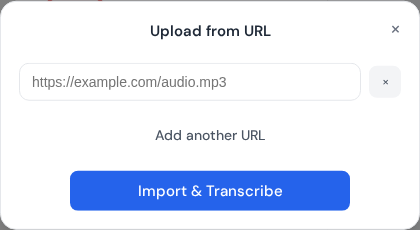
URL import modal where direct media links are added before import and transcription.
Overview
URL import works best with direct links to media files.
Supported links
Direct links to MP3, WAV, M4A, MP4, or MOV files.
Stable URLs that do not require a login.
Common failures
YouTube and other protected platforms.
Links that expire quickly.
Password-protected or DRM files.
Tip
If a URL fails, download the file locally and upload it from your device.
Reliable URL import flow
URL import is fastest when the source is stable and directly accessible. Before importing, verify the link is public (or properly authorized), downloadable, and points to media content rather than a page wrapper.
Open the URL in a private window to confirm access.
Check that the source file plays from start to finish.
Use trusted hosts and avoid temporary expiring links.
Re-upload manually if the URL source is unreliable.
Import troubleshooting checklist
Regenerate signed URLs if access tokens expired.
Avoid links that require interactive login pages.
Prefer direct media endpoints over embed URLs.
Keep local backup copies for critical deadlines.
Need a hand?
Our support team can walk you through this workflow.
 Express Transcript